
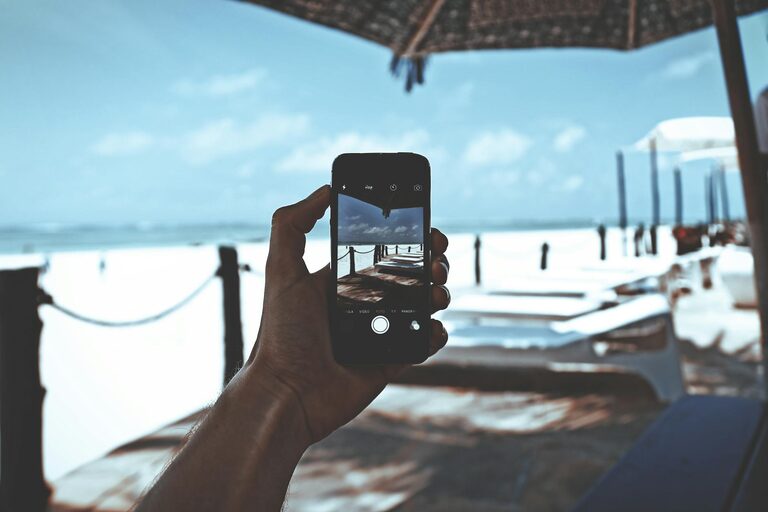
Taking great photos with your phone doesn’t require expensive gear or advanced skills. Whether you’re snapping memories, sharing moments on social media, or exploring photography as a hobby, small adjustments can make a big difference. This guide offers beginner-friendly tips to help you take better phone photos and make the most out of your device’s camera.
Understanding Your Phone Camera
Before diving into techniques, it helps to understand your phone’s camera features.
– Know Your Lens Options: Many smartphones have multiple lenses—wide, ultra-wide, and telephoto. Experiment with each to find what suits your subject best.
– Explore Camera Modes: Modes like portrait, night, panorama, and pro/manual let you adapt your shot to different scenarios.
– Check Resolution Settings: Set your camera to the highest resolution for sharper photos, especially if you plan to crop or print.
Basic Techniques for Better Photos
1. Clean Your Lens
A quick but often overlooked step is cleaning your camera lens. Fingerprints, dust, and smudges can blur your photos and reduce clarity. Use a soft microfiber cloth or lens wipe to keep it spotless.
2. Focus on the Subject
Tap the screen on your phone where you want to focus. This helps the camera adjust exposure and sharpness, ensuring your subject stands out.
3. Use Natural Light
Good lighting is key to quality photos.
– Aim for soft, natural light by shooting during the golden hour—shortly after sunrise or before sunset.
– Avoid direct harsh sunlight that creates strong shadows and highlights.
– When indoors, position your subject near a window with ample light.
4. Hold Your Phone Steady
Blurred photos can result from shaky hands. To reduce blur:
– Hold your phone with both hands.
– Rest your elbows against your body.
– Use a stable surface or tripod for longer exposures, especially in low light.
5. Mind the Composition
Composition affects how engaging your photo looks.
– Use the Rule of Thirds: Turn on the grid in your camera settings and place your subject along the grid lines or intersections for balance.
– Look for leading lines, symmetry, and framing to guide the viewer’s eye.
– Don’t be afraid to try different angles—shoot from low or high perspectives.
Helpful Features and Settings
HDR Mode
High Dynamic Range (HDR) combines several photos at different exposures for a balanced image. Turn it on in scenes with a wide difference between bright and dark areas.
Grid Lines
Turning on grid lines helps you compose shots using the rule of thirds and keeps horizons straight.
Exposure Control
After focusing, many phones let you adjust the exposure by sliding your finger up or down. This controls brightness.
Burst Mode
Hold down the shutter button to capture multiple shots quickly—great for action or unpredictable moments.
Editing Tips for Beginners
Editing can enhance your photos without complex software.
– Use apps like Snapseed, VSCO, or Lightroom Mobile.
– Start with basic adjustments: brightness, contrast, saturation, and sharpness.
– Crop to improve composition or remove distractions.
– Avoid over-editing—keep your images natural and true to the scene.
Practice and Experiment
Photography improves with practice. Try these ideas to develop your skills:
– Take daily photos focusing on a theme (e.g., colors, shadows, textures).
– Experiment with different subjects like landscapes, portraits, food, or pets.
– Review your photos to see what worked and where to improve.
– Join photography communities for inspiration and feedback.
Final Thoughts
Taking better phone photos is about more than just the camera’s capabilities—it’s about curiosity, observation, and practice. Start with these simple tips, and you’ll soon notice your pictures becoming clearer, more interesting, and full of life. Remember, the best camera is the one you have with you, so keep capturing the moments that matter!
Happy snapping!